Changing the Color of the Interface
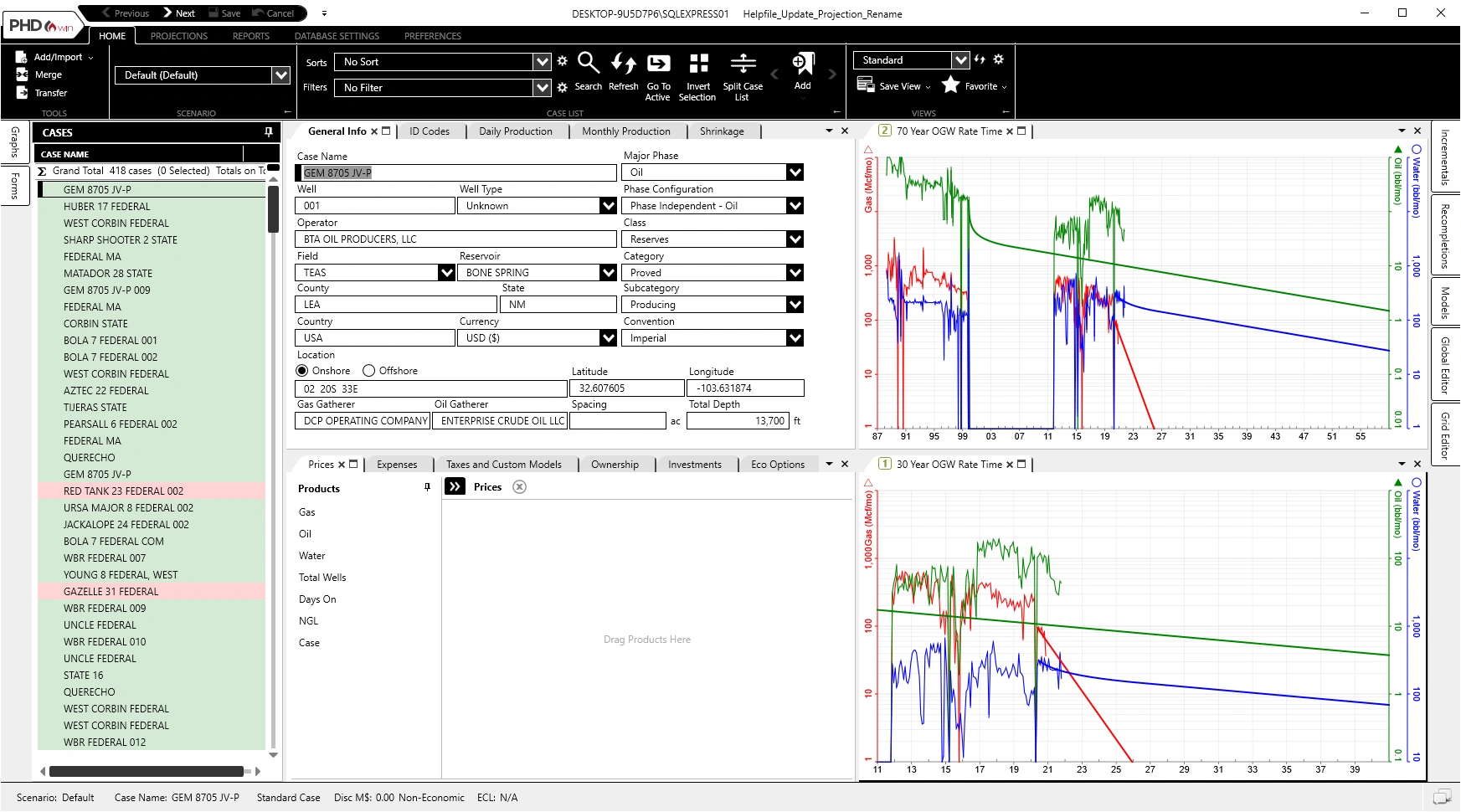
Use the themes to adjust the colors of the PHDwin interface to fit your scheme preferences. PHDwin has four standard themes that are shown below: Default, Blue, Day Trader, and High-Contrast.
To Change the PHDwin Theme
1.Click on the Preferences Ribbon.
2.Click on Theme under Application
3.Select between Default, Blue, Day Trader, and High Contrast themes. Samples are shown below.
Default Theme Sample
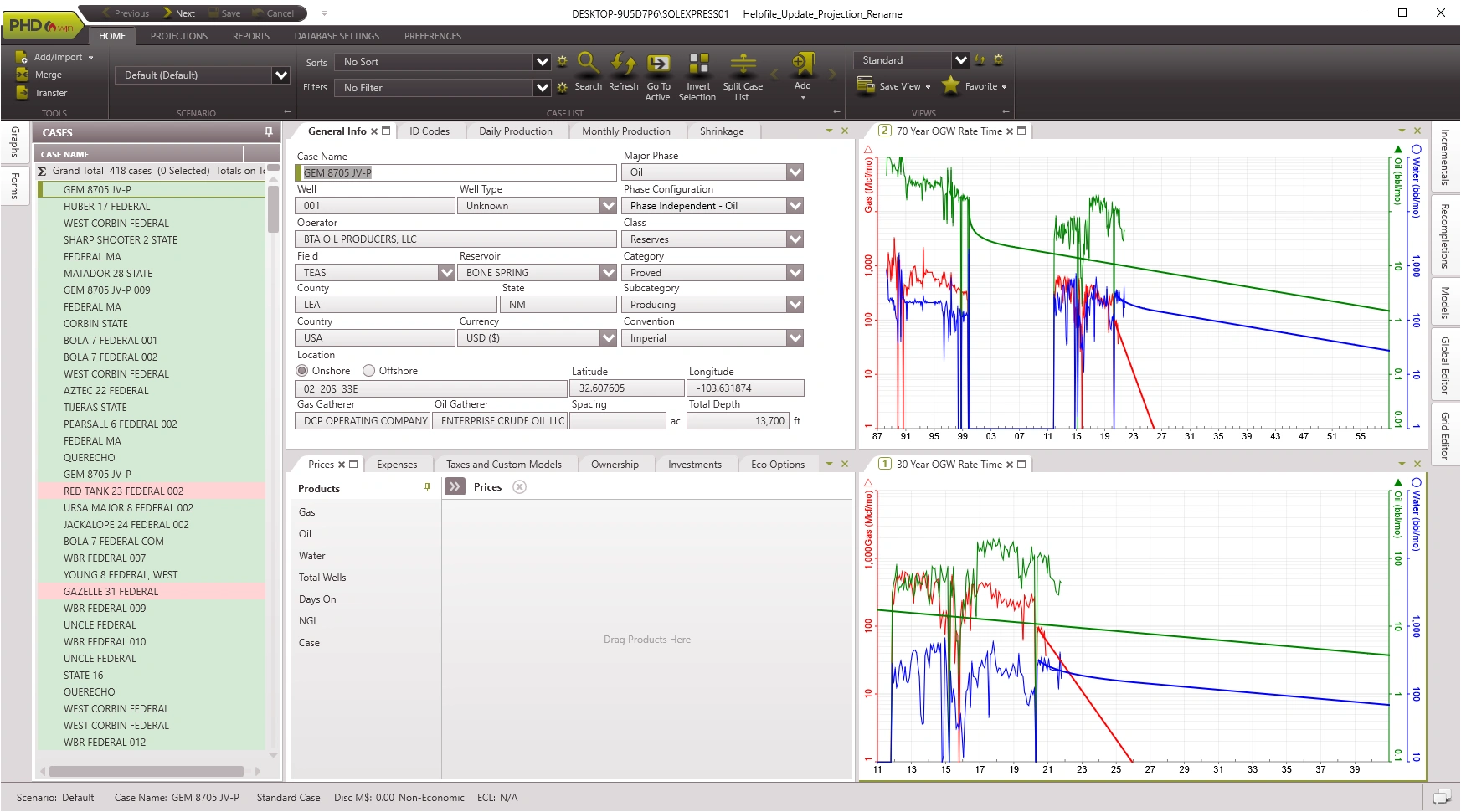
Blue Theme Sample
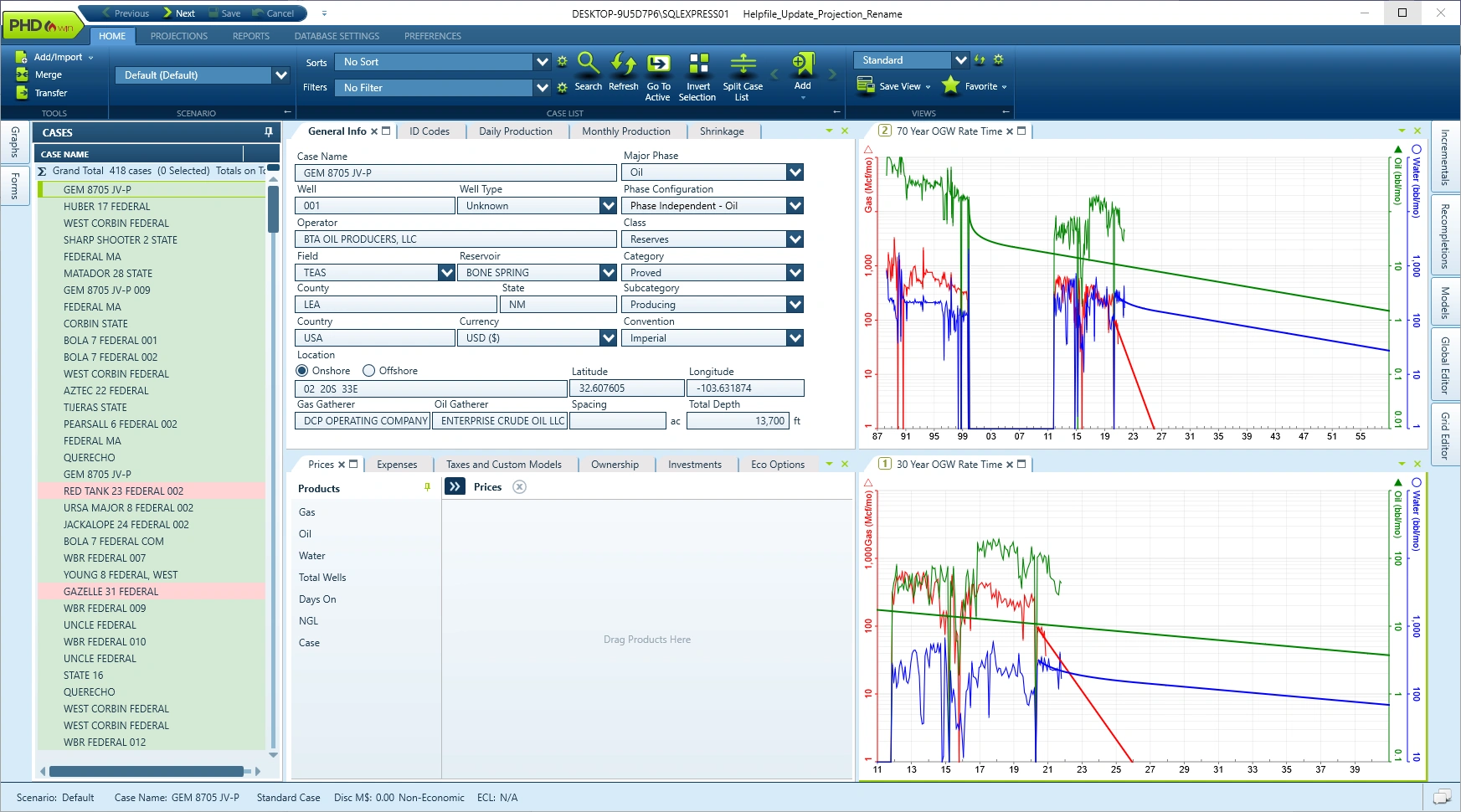
Day Trader Theme Sample
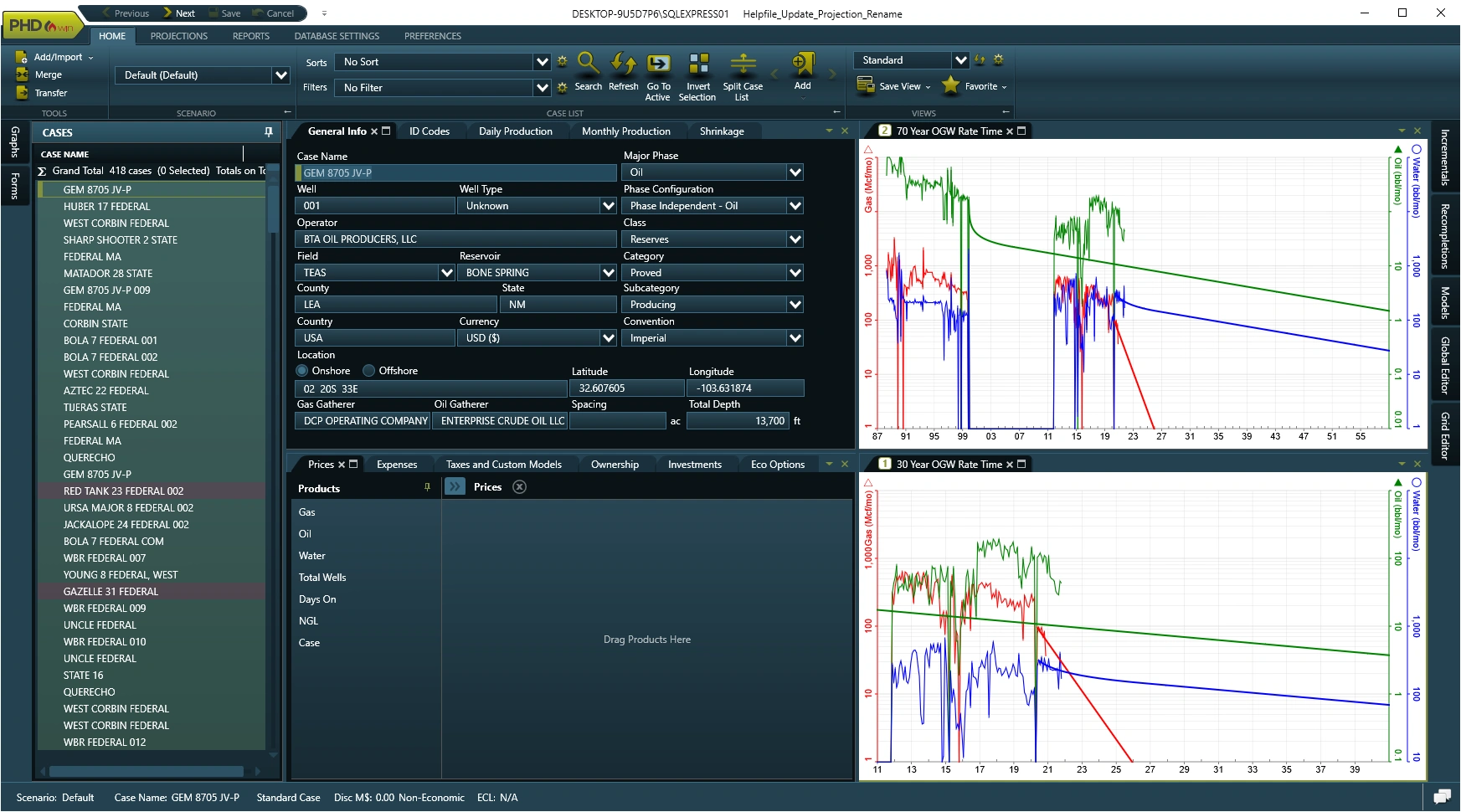
High-Contrast Theme Sample