Navigation: Editing Case Data >


The Case Settings form can be used to view or change the case type of the active case. It allows you to add cases to it if it's a group case, and control group case settings. To learn more about the different types of group cases, refer to the Group Case section.
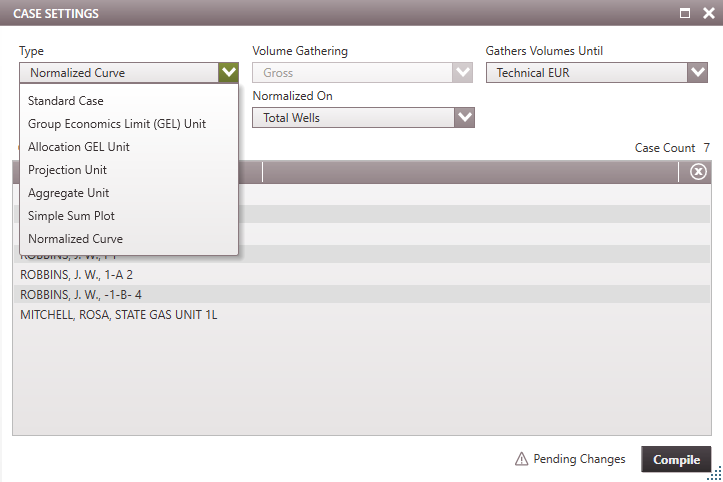

The available case types to choose from are: •Standard Case - a standalone case with its own set of case data, prices, expenses etc. The case settings form will not have any case settings to change when a standard case is active. The only purpose of the case settings form is to indicate that it is a standard case. All other case types besides the standard case are group cases and will allow users to add several cases to the form. To learn more about the case settings specific to each case type, refer to the respective group case sections linked below. •Group Economics Limit (GEL) Unit
Note: Changing the Case Type does not create a new case, it will only change the case type for the active case. If you are trying to create a new case like a normalized curve, add a new case first. |