Navigation: Running Reports > Default Reports >


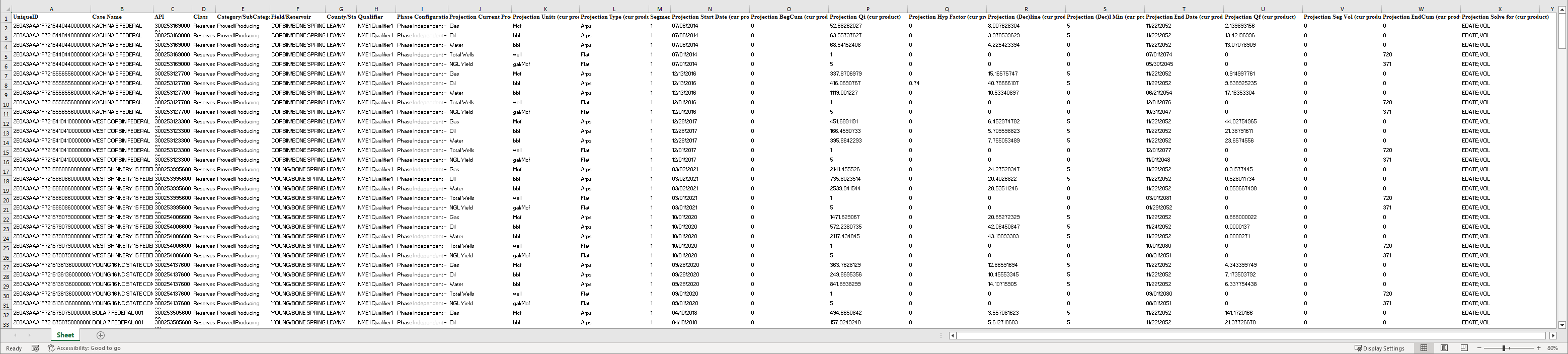
The projection edit report generates a Microsoft Excel output that shows all projection parameters of each selected case in the report run. The output contains all the projection parameters saved in the effective qualifier of the scenario. In addition, the headers have been named appropriately to automap on import into PHDWin V3.
 Example of a Projection Edit Report
|