Navigation: Running Reports > Default Reports >


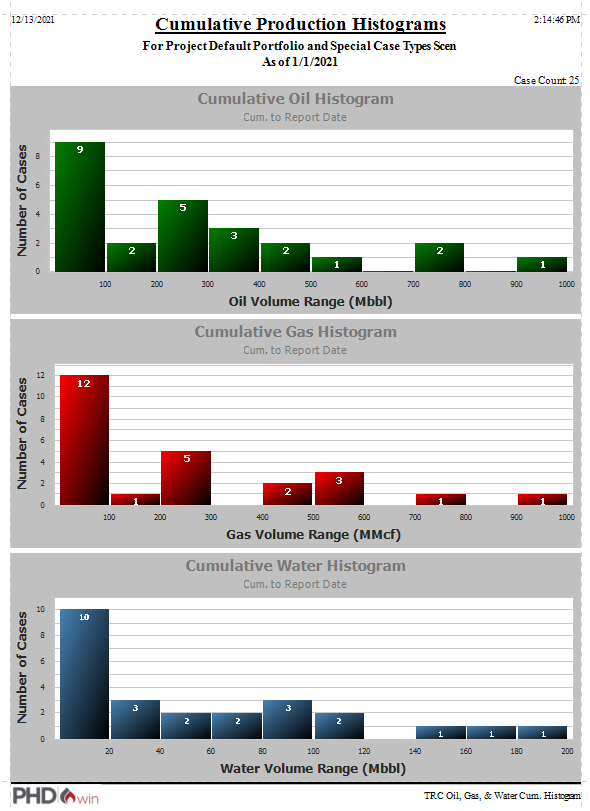
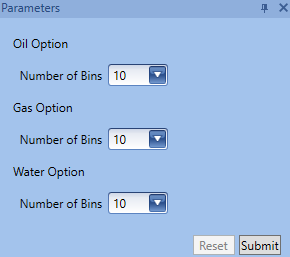
The OGW Cumulative Histogram Report creates a histogram for the cumulative production of each case. Each product has its own histogram, and all the cases included in the report are plotted on one graph. The histograms plot Number of Cases vs. Product volume range. The cumulative volume axis is split up into a specified number of bins, and a histogram bar is plotted for every case that falls under a certain cumulative volume range. This allows you to visually assess the productivity distribution of several cases. Once you run the OGW Cum. Histogram, choose a preferred number of bins for the histogram of each product.
The following is an example of and OGW Cumulative Histogram wit 25 cases: