Navigation: Running Reports > Default Reports >


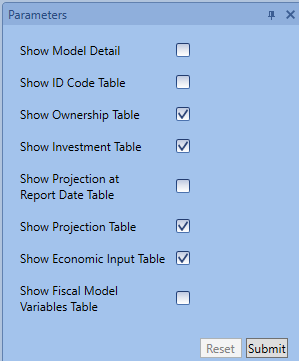
Some users would like to have a concise view of all the inputs entered for each case, rather than having to go through each form in PHDwin to see what those values are. The input report does exactly that. It prints all the inputs entered for every case included in the report. The report is divided into sections depending on which parameter a user wants to see reported. Check any parameter on the parameters navigation pane on the left to view it on the report. The sections include the following tables: ownership, investment, projection, economic input, fiscal model, and ID codes.
An example of an input report is shown below:
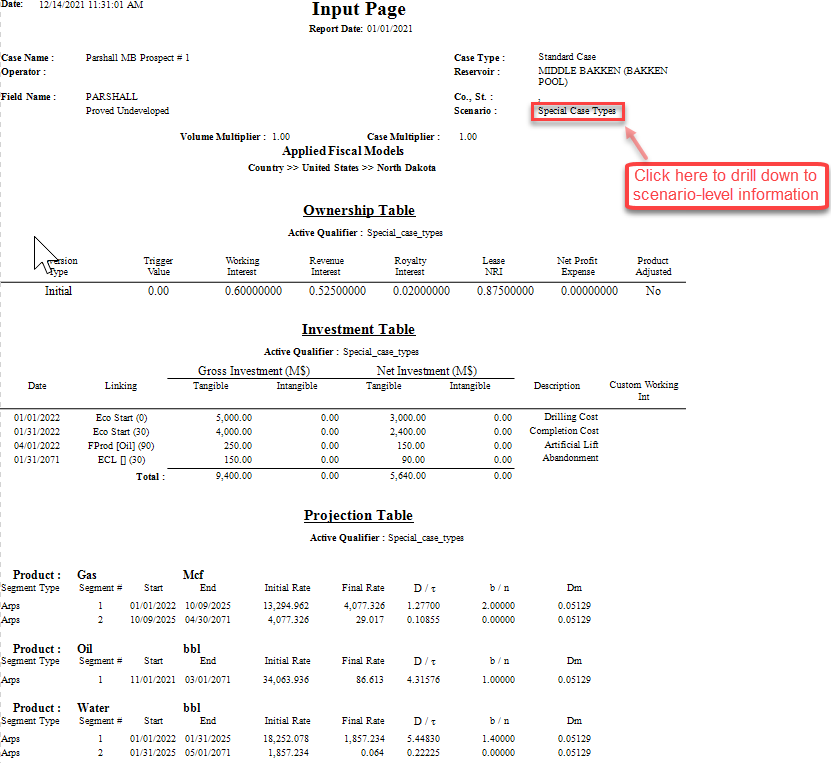
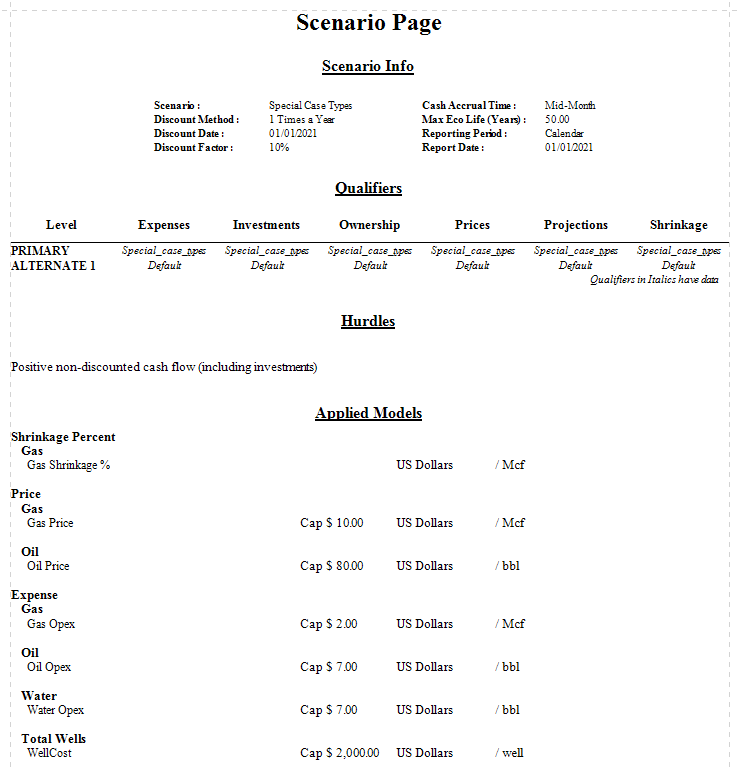
Scenario-level Data: To view details about scenario-level input data, click on the scenario name at the top of the report to navigate to the scenario report page. This shows the scenario settings, qualifiers, hurdles, and any applied price and expense models. An example of this report is shown below when the scenario name in the above report is clicked.