Navigation: Database Settings >


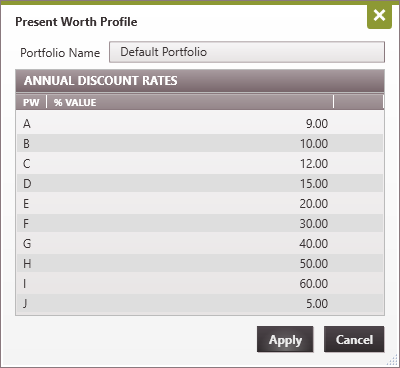
The Present Worth Profile window is where the Present Worth Percentages that will be calculated and displayed on reports are specified. Users can enter up to 10 discount rates in the Present Worth Profile. To change a discount rate in the Present Worth Profile, simply double-click on the existing discount rate (while in Edit Mode) and type in the desired percentage. Click apply and the Present Worth Profile will be applied to subsequent reports.