Navigation: Running Reports > Default Reports >


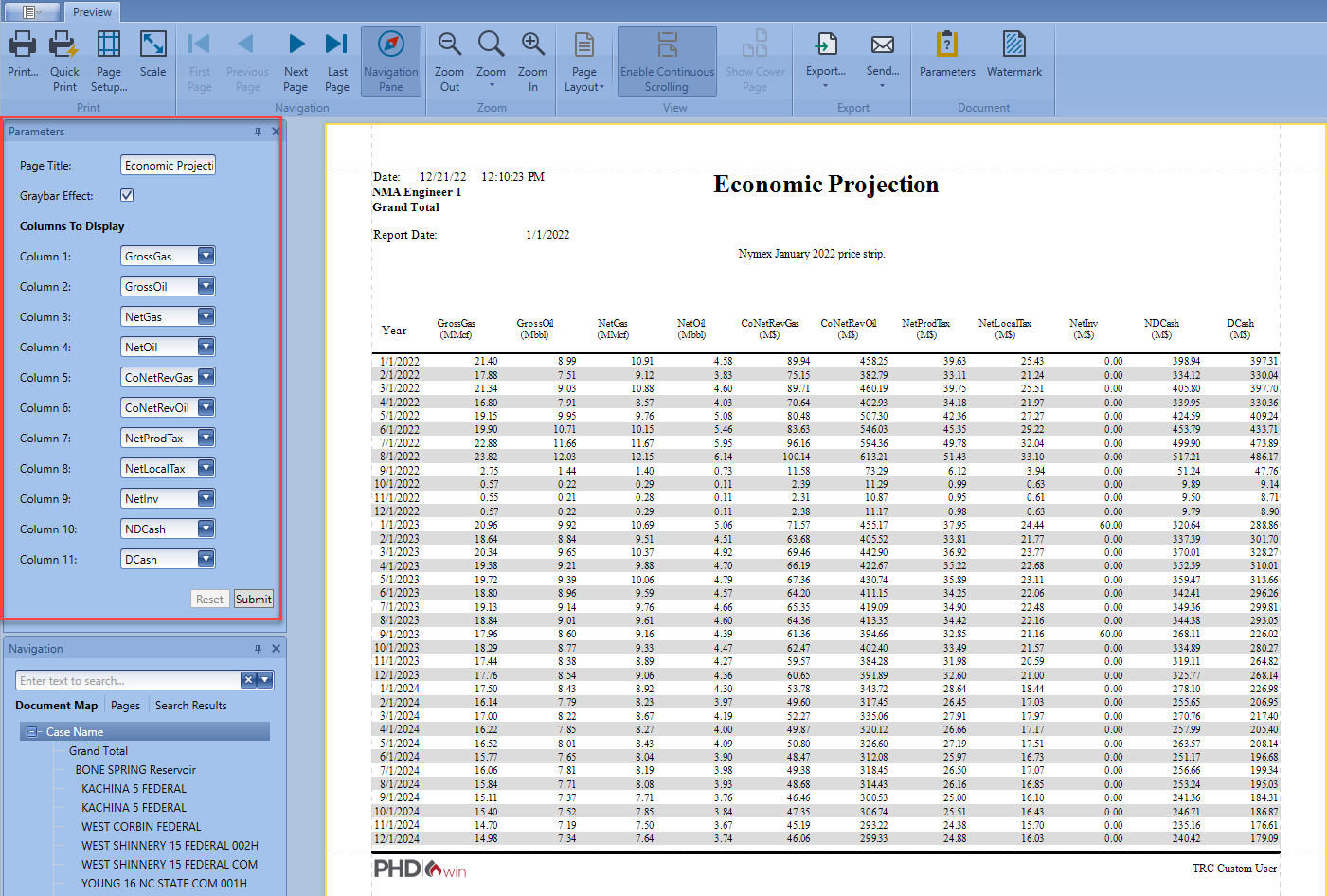
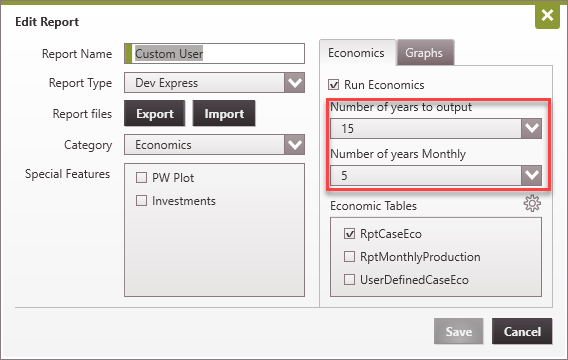
The custom user report gives the user control over what column is displayed on the report. You can select up to a maximum of any 11 fields/columns to display on the report. Through the report setting, you can specify the number of years to display and the number of years to display monthly data for.

Below is an example of a custom user report with the current default selected columns displayed. The displayed columns can be changed from the parameter section of the report. The definition of some of the column headers can be found under Report Tables report parameter definition section.
|