Navigation: Importing >


Beginning with PHDwin version 3.1.13, you can import version 2 models file directly into your database. All models currently in the model file will be imported. This is unlike a V2 database import that only imports models applied to cases.

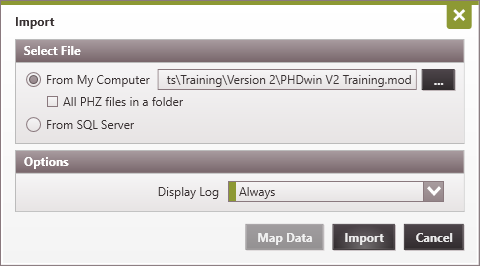
To Import the V2 models file into Version 3 1.On the Home Ribbon (Tools Section) click on Add/Import and then select Import.
2.Use the 3.Choose when you'd like the display log to pop up - Always, Never or Upon Error. The import log will always be saved to whatever directory the import file is stored in. 4.Click Import. 5.Open the Models form to view the imported models. |