Navigation: Navigating the Program & Interface >


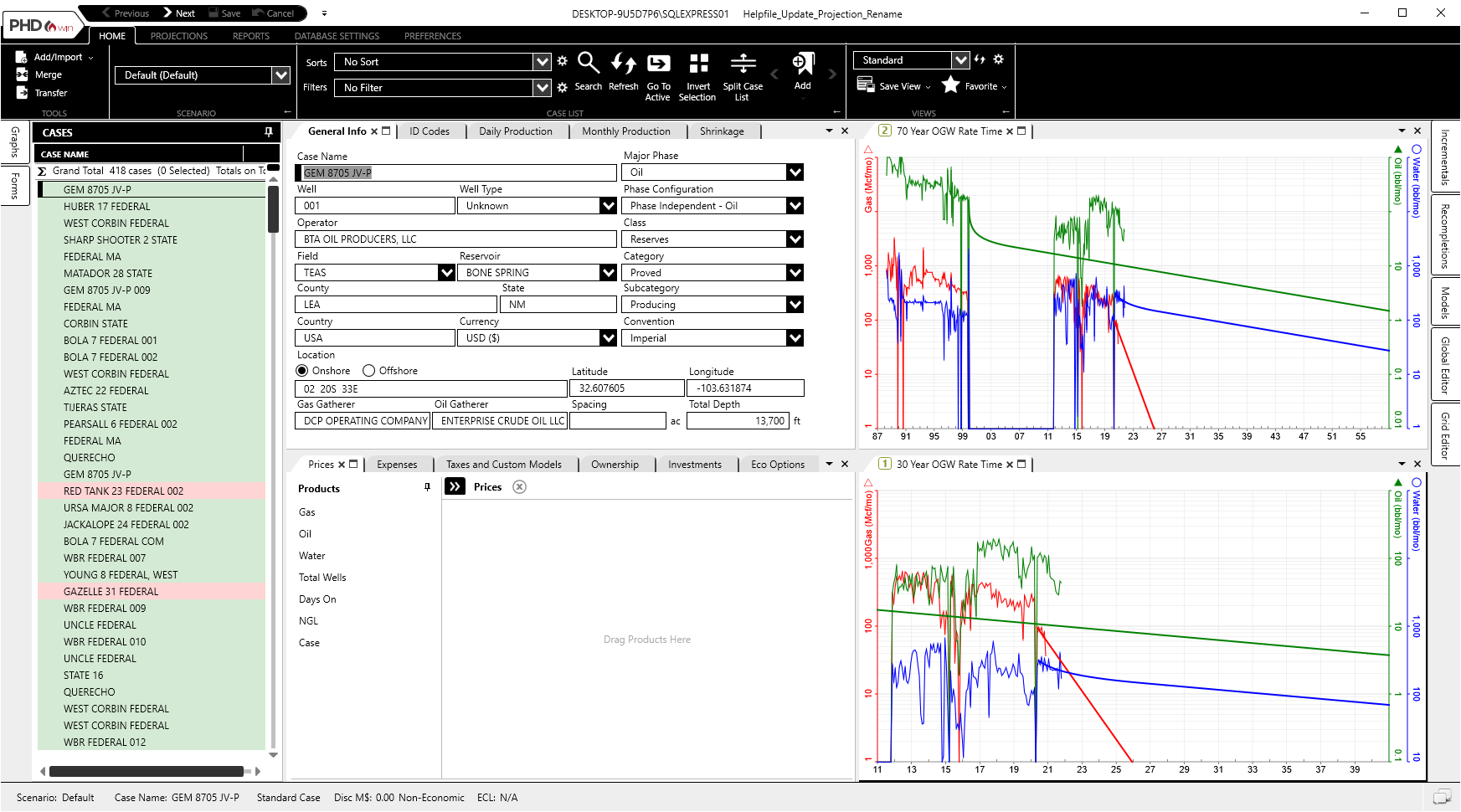
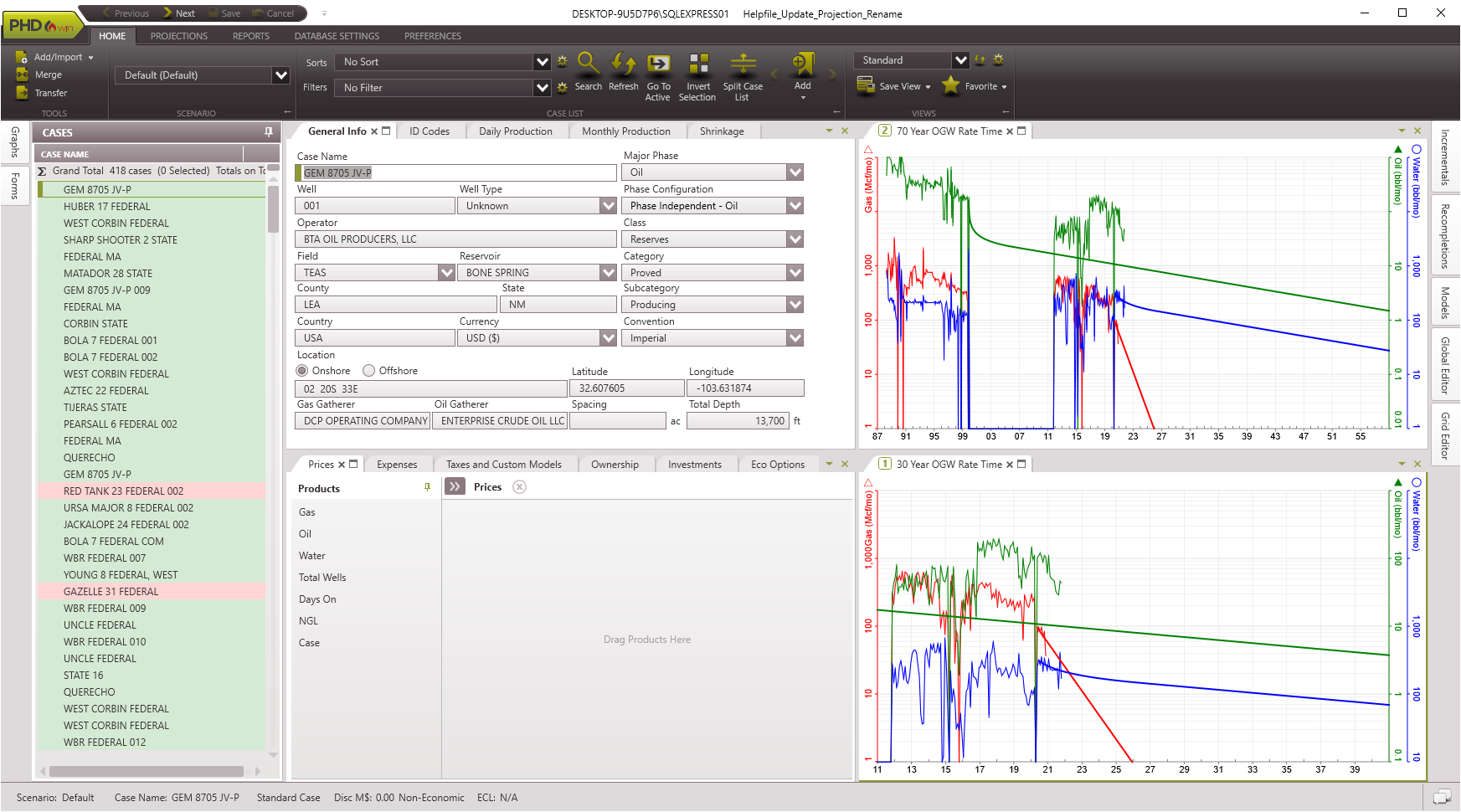
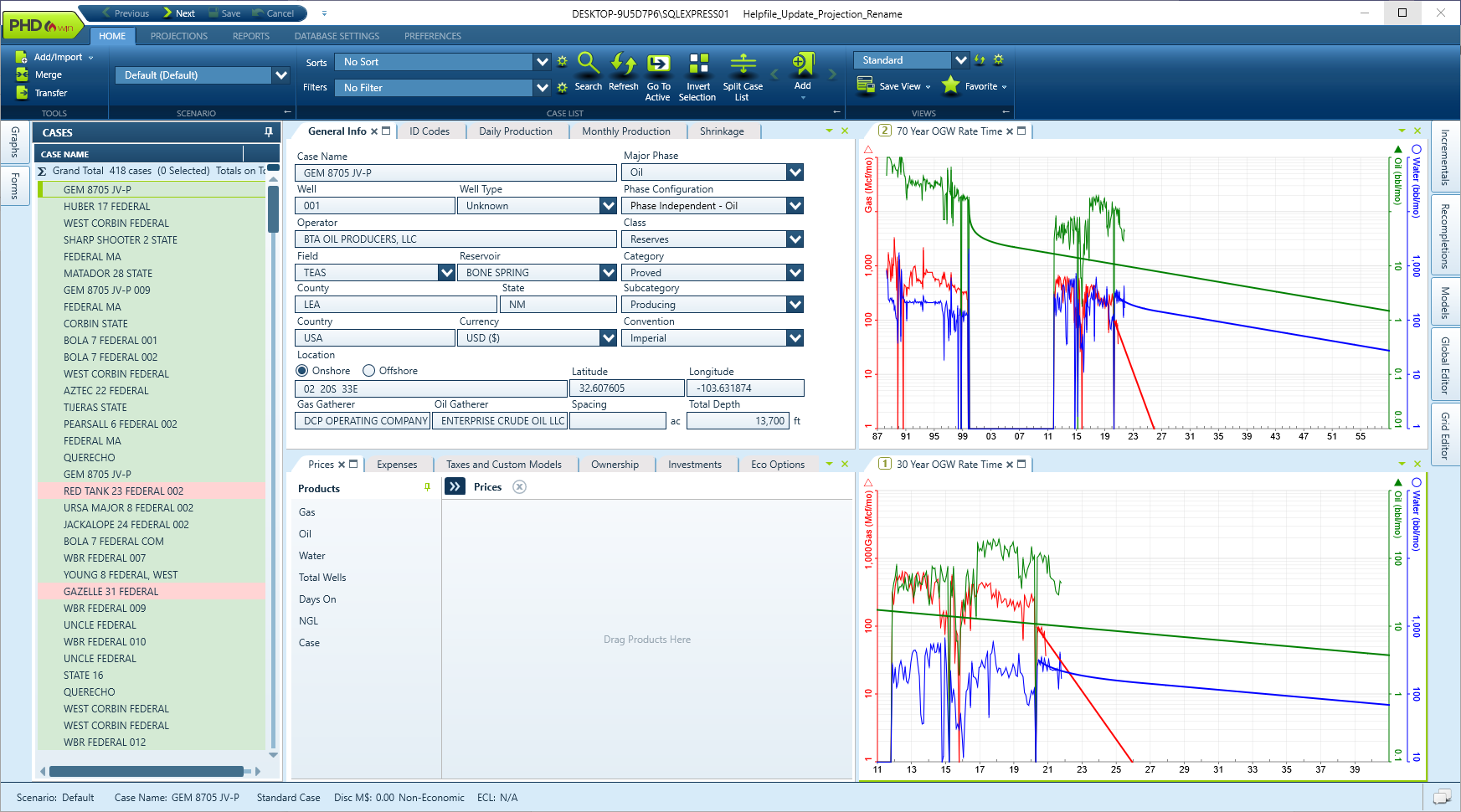
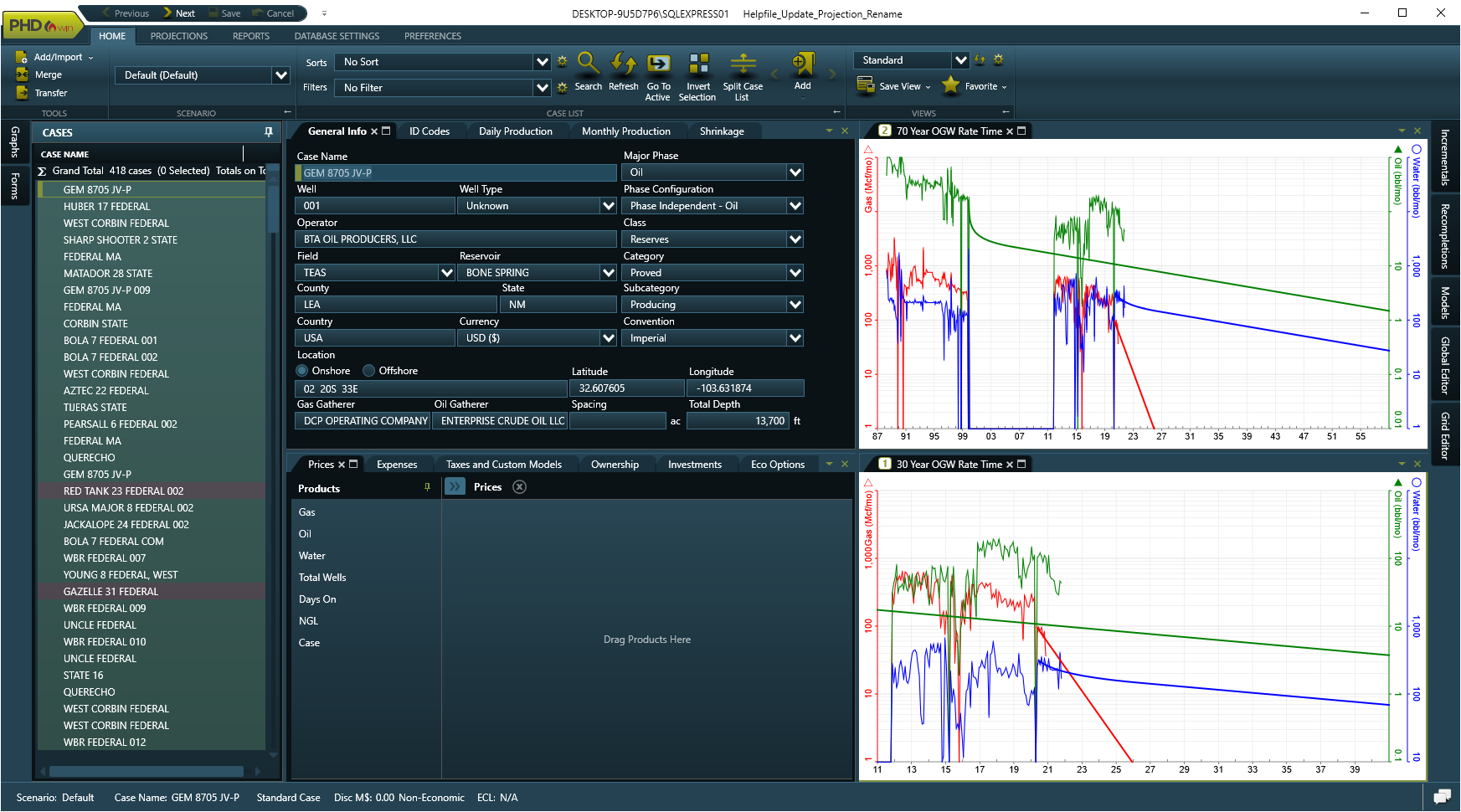
Use the themes to adjust the colors of the PHDwin interface to fit your scheme preferences. PHDwin has four standard themes that are shown below: Default, Blue, Day Trader, and High-Contrast.

1.Click on the Preferences Ribbon. 2.Click on Theme under Application 3.Select between Default, Blue, Day Trader, and High Contrast themes. Samples are shown below. |

|
|
|
|